Shipping rocm-cli: A Terminal-First Front Door for Local AI on AMD GPUs
Field notes from building the TUI and dashboard for AMD's new local-AI CLI — one binary, zero setup.
There's a moment every developer of GPU software knows. You've got an AMD Instinct card (or a Radeon, or a Strix APU) sitting in your machine. You want to run a model locally — serve it, chat with it, watch the GPU breathe. And the very first thing you hit is the setup cliff: ROCm versions, PyTorch wheels, Python environments, driver matches, HIP_VISIBLE_DEVICES ordering quirks. Half a day disappears before you've sent a single token through the silicon.
We just shipped something to flatten that cliff. It's called rocm-cli — a single prebuilt binary for Linux and Windows that sets up and runs local AI on AMD GPUs. No Python, no Rust toolchain, no existing ROCm install required. One binary. Zero setup. You curl it, you run rocm, and you're in.
My part of the build was the part you actually touch: the TUI — the terminal user interface — and the Dash, the full-screen dashboard. This is the story of how those came to be, and why a PM-turned-engineer cares deeply about the color of a tab outline.
The problem: ROCm's front door was a README
ROCm is a serious compute stack. The engineering behind it — the kernel driver, HIP runtime, MIOpen, the TheRock wheel builds — is world-class. But for someone who just wants to get a model running on an AMD GPU, the front door has historically been a README. A long one. With three caveats about GFX arches and a footnote about ROCR_VISIBLE_DEVICES.
The rocm-cli team set out to fix that. The pitch, as a single sentence:
Local AI on AMD GPUs — one binary, zero setup. A prebuilt
rocmbinary that installs ROCm, serves models, and gives you a live dashboard, all from the terminal.
The Rust side handles the hard parts — downloading signed TheRock ROCm wheels, managing side-by-side runtimes, supervising inference engines (Lemonade and vLLM adapters), verifying checksums, signing release artifacts. All the plumbing that should be invisible.
My job was everything above the pipes. The stuff the user sees, touches, and trusts.
The launcher: a front door, not a manhole
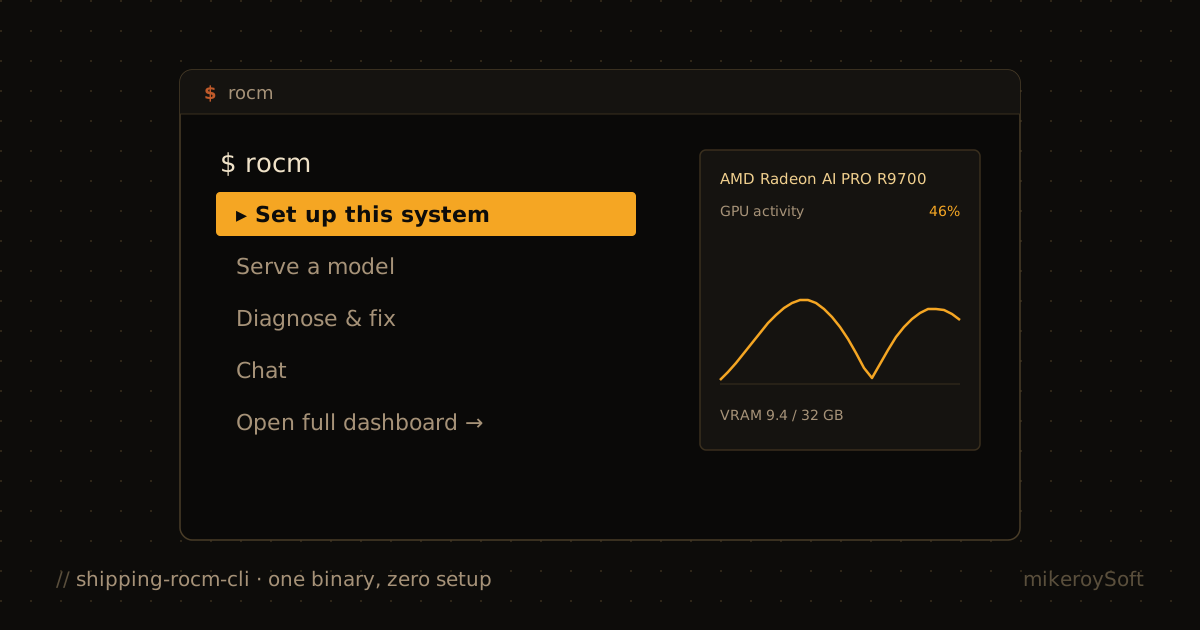
When you type rocm with no arguments on an interactive terminal, you don't get a wall of --help text. You get a small menu:
- Set up this system — install or update ROCm
- Serve a model — run a model on your GPU
- Diagnose & fix — check GPU, driver, and ROCm
- Chat — talk to a local or API-backed model
- Open full dashboard → — escalate into
rocm dash
Arrow keys. Enter. q to quit. That's it.
This was the hardest UX problem in the project, and it doesn't look like much. The temptation — especially for engineers — is to make every surface a power-user surface. A dashboard with every gauge lit. A CLI with every flag exposed. But most of the time, most people want to do one of five things and they want to be told which one is broken.
So the launcher is a persistent hub. Each guided flow — Set Up, Serve, Diagnose — runs to completion in place and returns to the menu. Only Chat and "Open full dashboard" escalate into the full Dash. You're never bounced out of the thing you were doing.
The Dash: five tabs, one screen
rocm dash is the full-screen experience. Every instrument and every action on one screen. It auto-starts an embedded rocmd telemetry daemon when none is running, then presents five tabs:
| Tab | What it shows |
|---|---|
| Home | At-a-glance status: GPU, active runtime, running servers |
| ROCm | Guided ROCm/runtime actions with inline details |
| Serving | Start, inspect, and manage model servers |
| Observe | Live GPU utilization, instances, and benchmark telemetry |
| Chat | Assistant chat backed by a local server or configured provider |
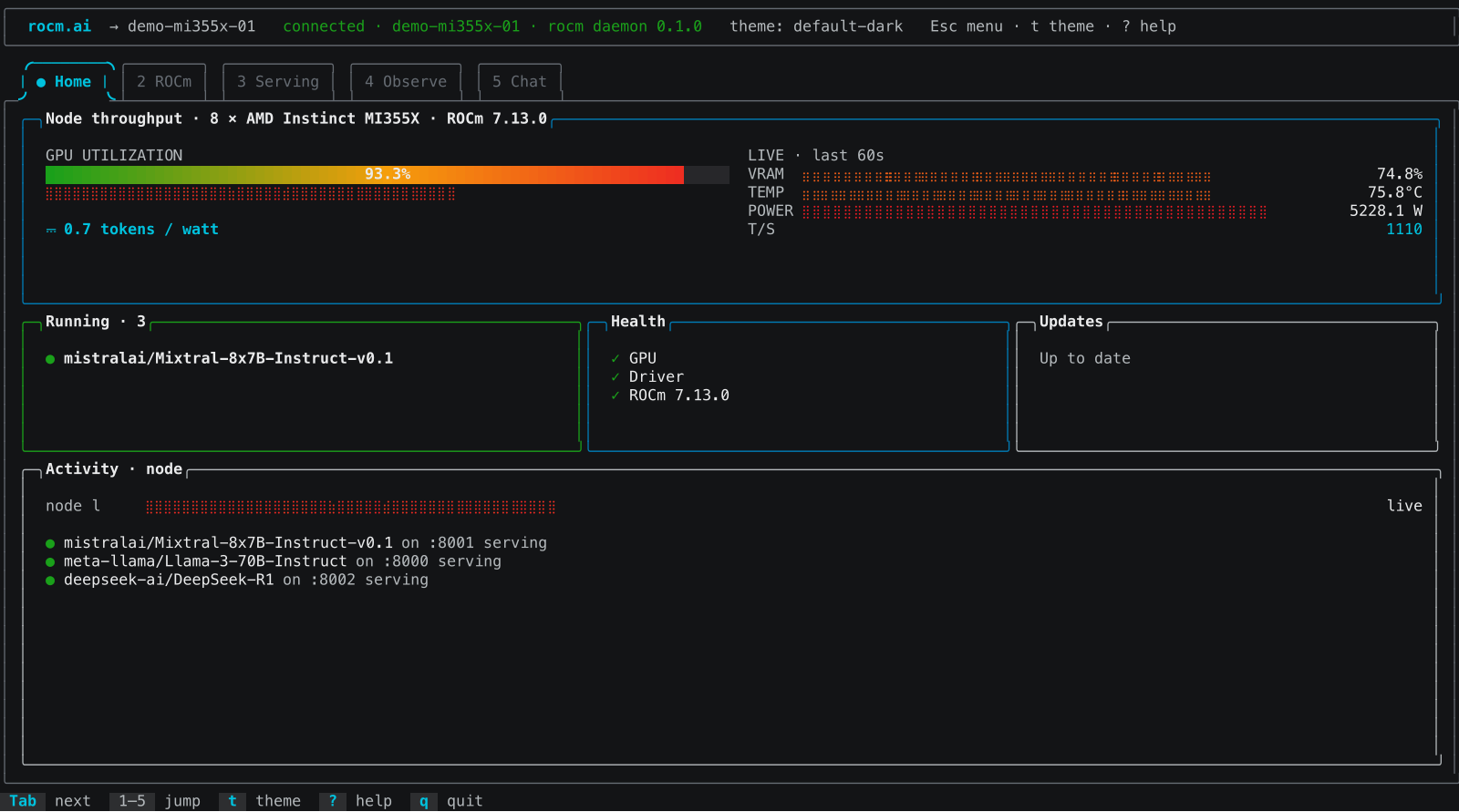
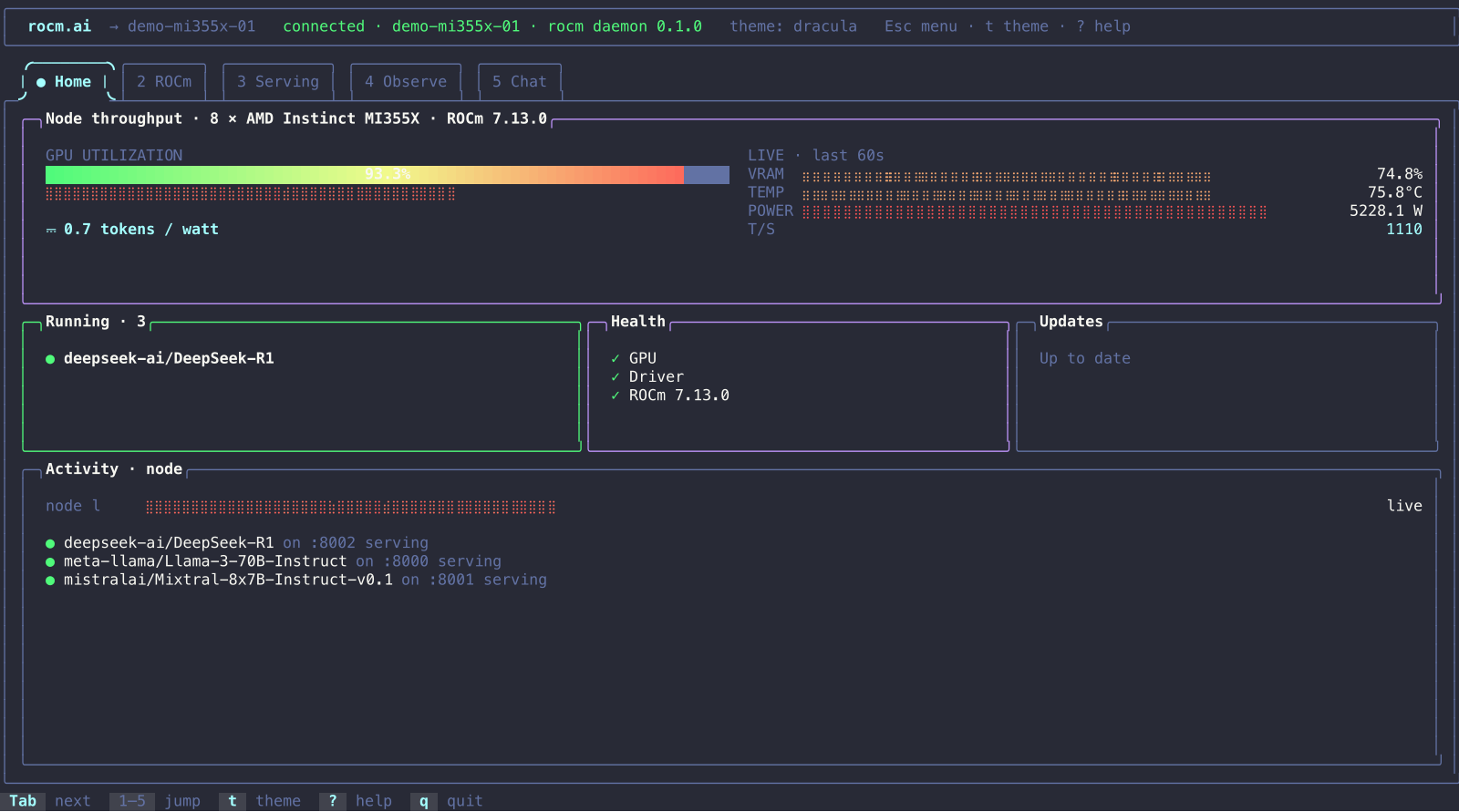
Home is the at-a-glance surface — a hero GPU gauge with spark, VRAM/TEMP/POWER mini-spark cluster, a context-aware "Next step" card, and Running/Health/Updates tiles. One of the design rules I held to: a dashboard that shows fake zeroes is worse than no dashboard. If telemetry isn't there, Home says so. Honesty over polish.
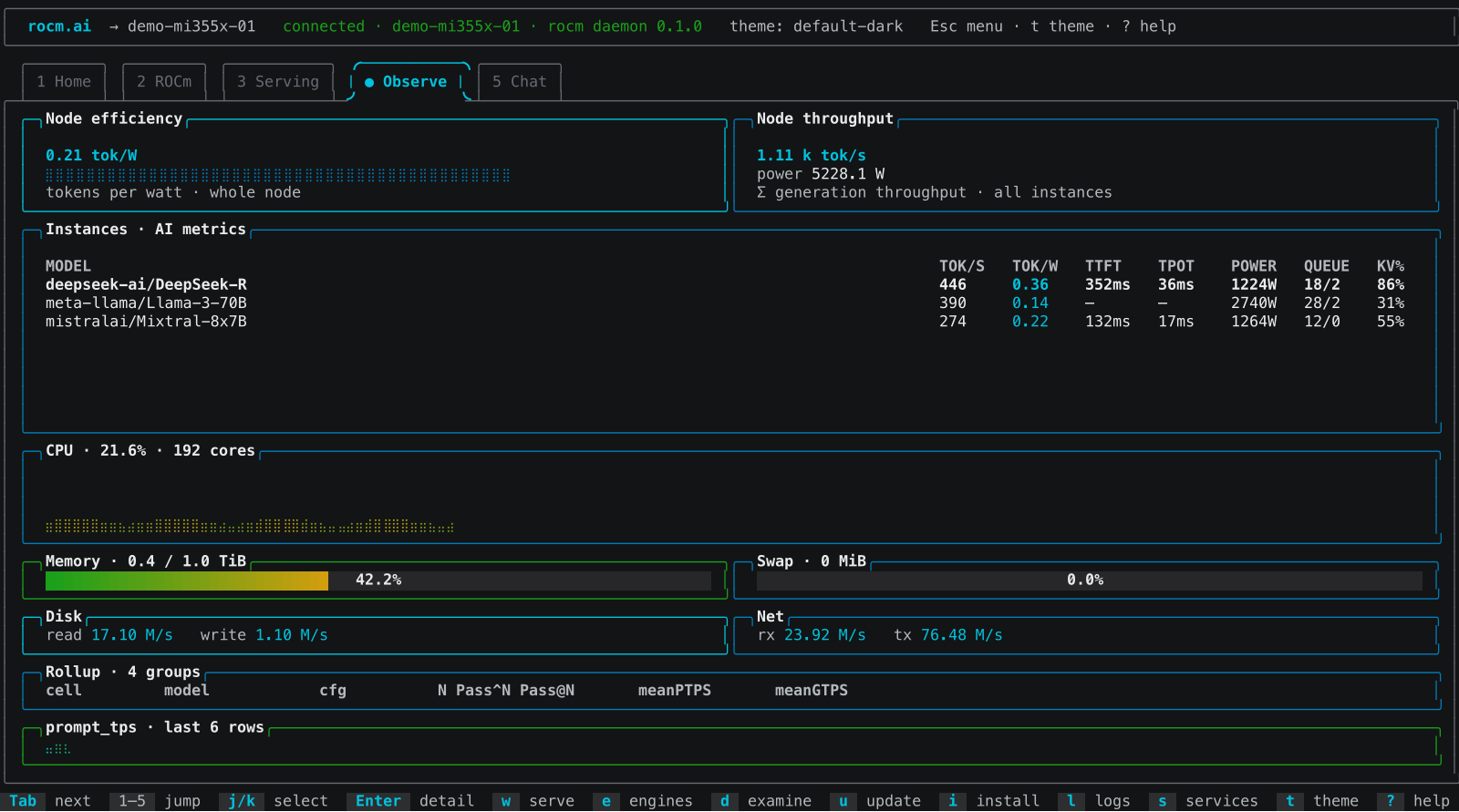
The Observe tab is where you go when something feels off. Per-instance TTFT/TPOT, power, queue depth, KV cache — the numbers that tell you whether your serving stack is healthy or quietly degrading. CPU, memory, disk, and network round out the system view so you're not alt-tabbing to htop.
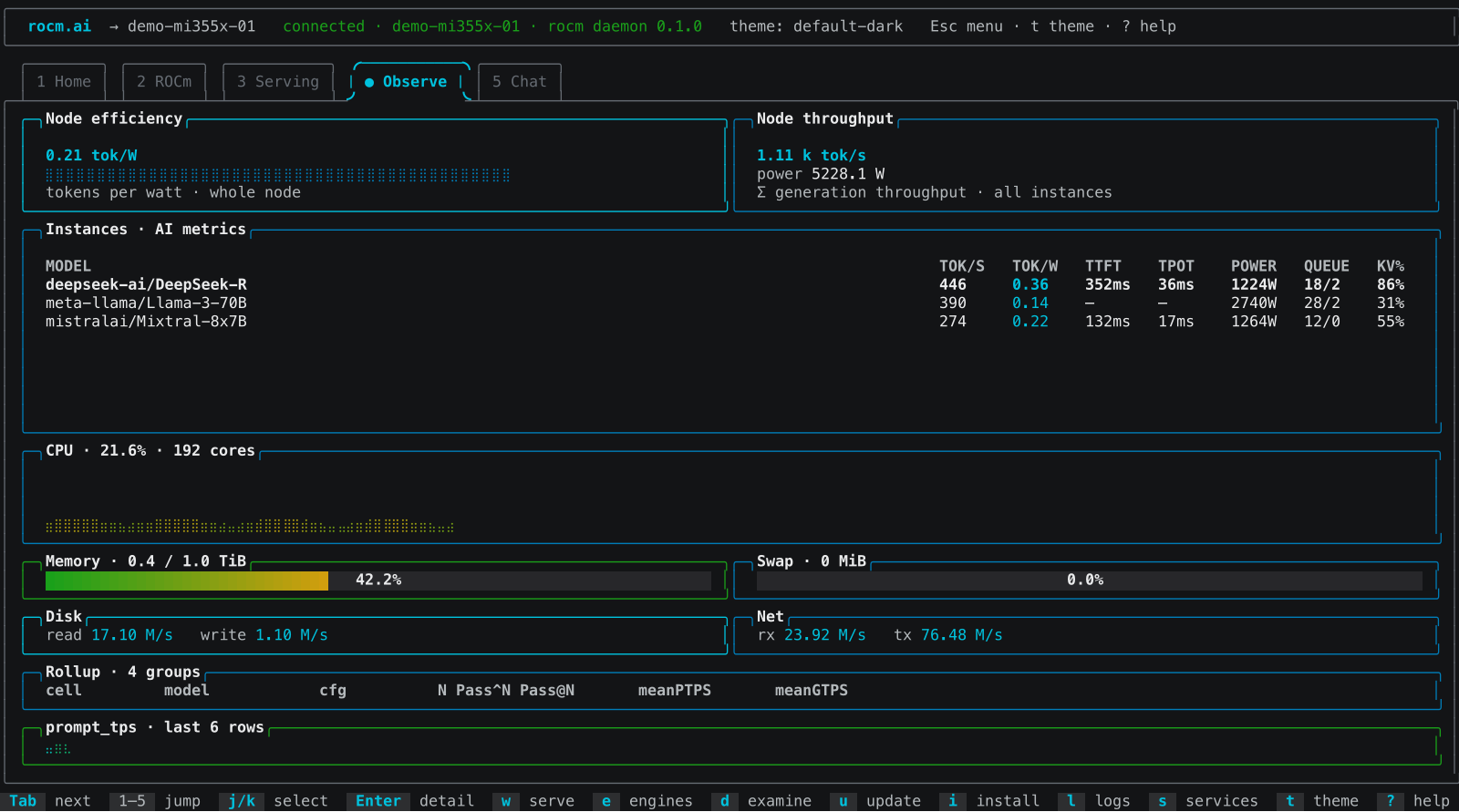
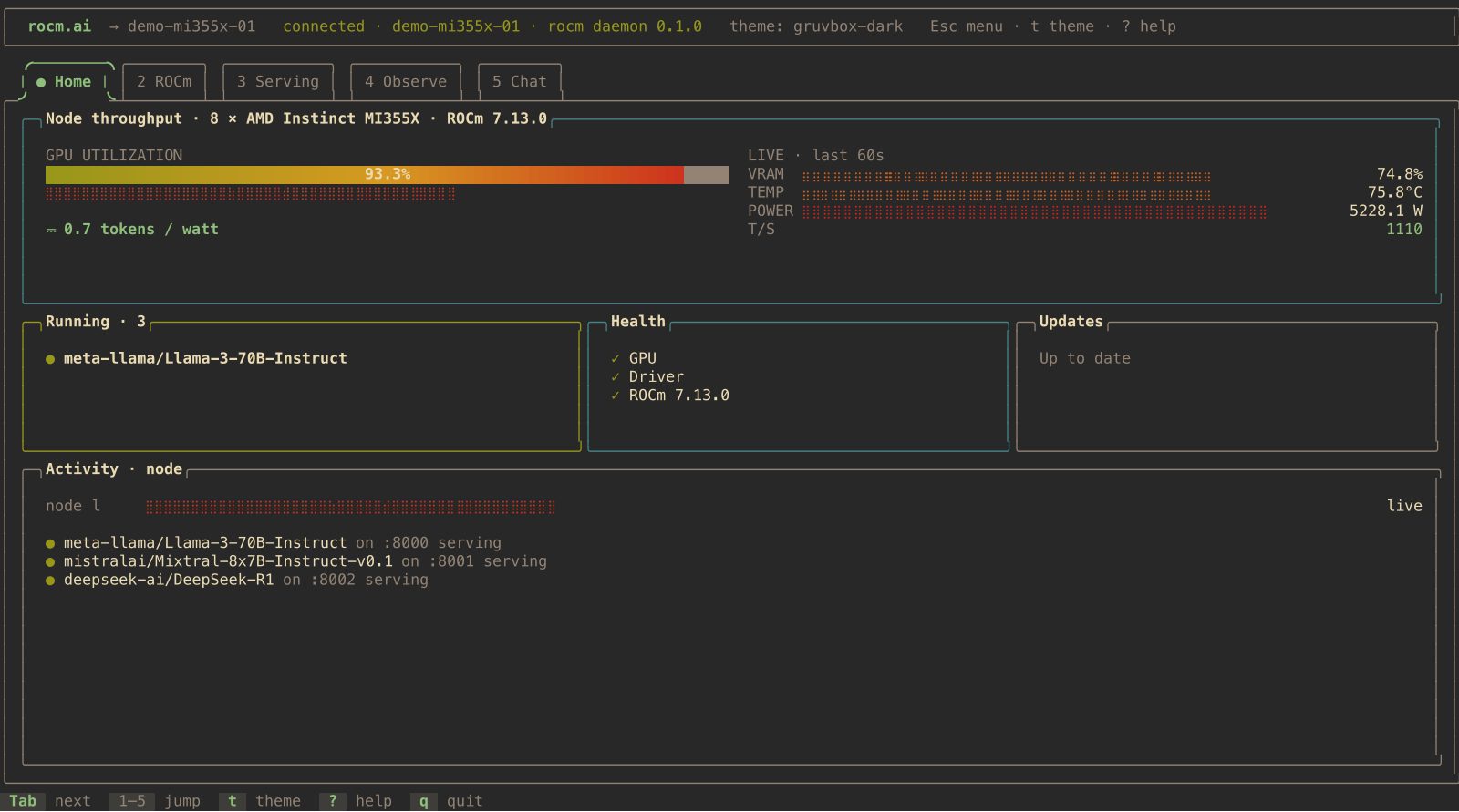
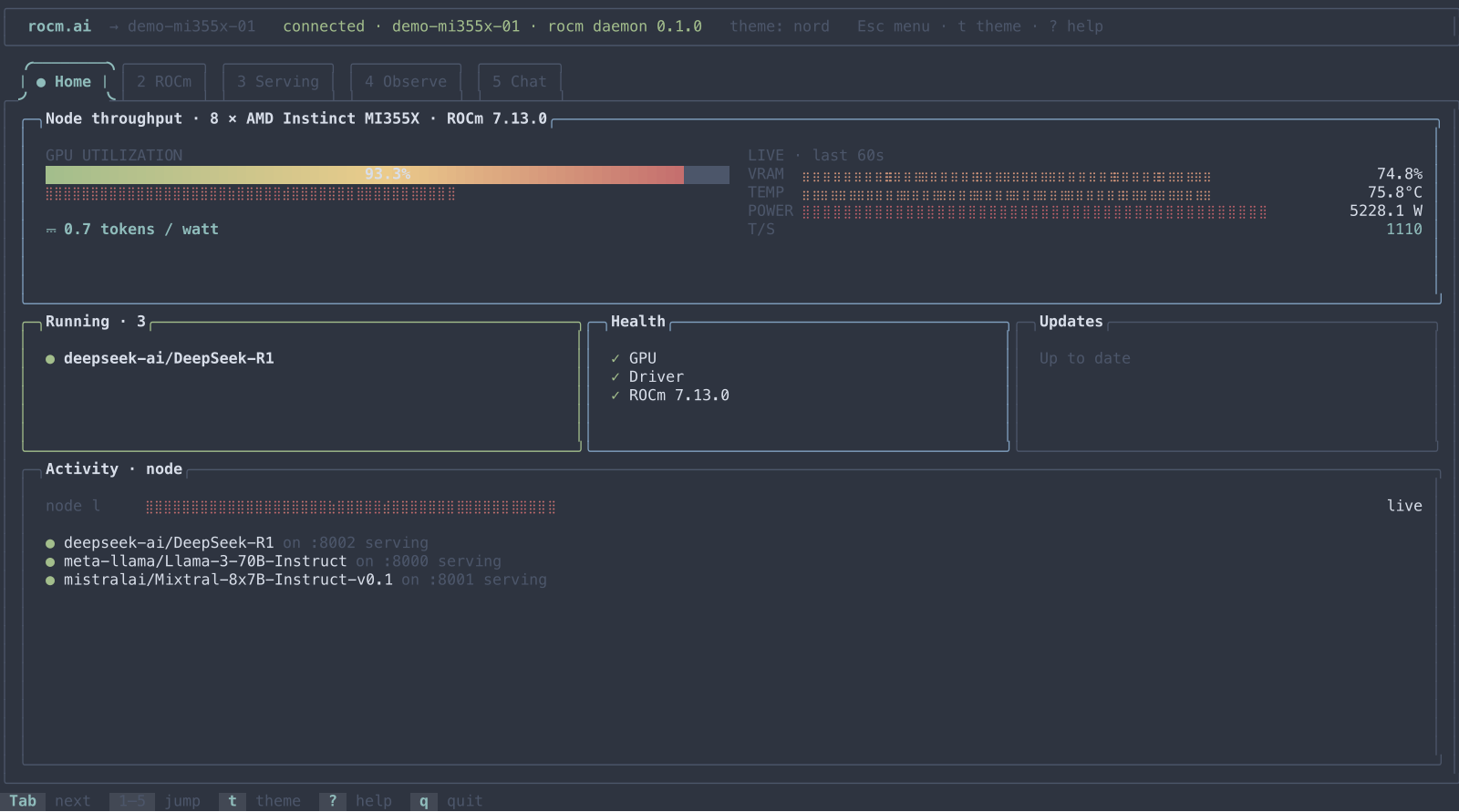
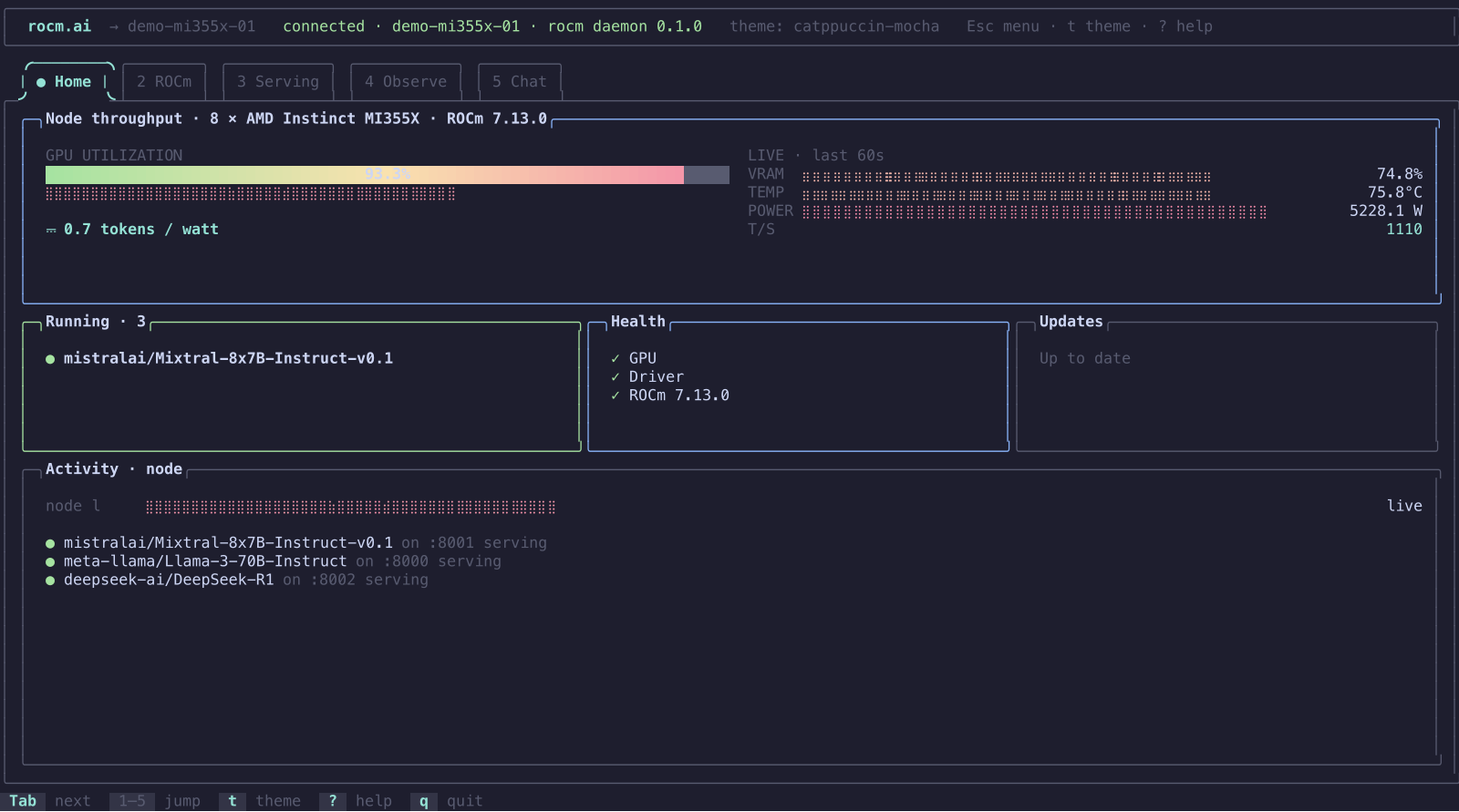
Live mode reads telemetry over a Unix domain socket, so it requires Linux or WSL. But I also shipped rocm dash --demo — a deterministic synthetic session that runs anywhere, no GPU or daemon needed. Every screenshot in this post was rendered from that demo session, using the repo's own gen_screenshots example — the actual ui::draw framebuffer, not a mockup. And --replay <file> replays a recorded NDJSON session, which is how you reproduce a bug someone saw halfway across the world.
Chat: three backends, one surface
The Chat tab is where the Dash stops being a dashboard and starts being an agent. You can talk to a local model you're serving, or to an API provider — Anthropic, OpenAI, others. I built the /provider switch so you can flip between them live, with the agent backend rebuilding on the fly. A missing key reverts to local with an actionable error — not a panic, not a silent fallback, an error that tells you the two recovery paths (detect a local server, or /provider).
I also built a natural-language /plan flow: Ask → Plan → Review → Run. You type /plan set up ROCm and serve Qwen 2.5, the planner returns a structured next action, you review it, and — if it's a complete mutating action — it hands off to the approval modal. Placeholder plans and non-mutating plans stay plan-only. No execution without review. This is the boundary between "helpful agent" and "autonomous agent," and I wanted it drawn brightly.
A note on themes
The Dash ships with multiple themes — default-dark, Dracula, Gruvbox, Nord, Catppuccin Mocha — because developers care about their terminal palette the way other people care about their desk lamp. It's the same dashboard, same data, same five tabs. Different mood.
What I learned
A few things, in no particular order:
The terminal is a first-class UI surface. People treat TUIs as a fallback — "real" apps are web apps. But a TUI is the only thing that works over SSH, in a container, on a headless box, in WSL, with no browser, no display server, no port forwarding. For GPU engineers, that's the default environment. Building a polished TUI isn't nostalgic. It's meeting the user where they already are.
A hub beats a dashboard. The launcher — five options, arrow keys, done — is more useful to more people than the full Dash. The Dash is for when you already know what you're looking for. The launcher is for when you don't. Build the hub first.
Honesty over polish. A gauge showing fake zeroes is worse than a gauge saying "no telemetry." A provider switch that silently falls back is worse than one that tells you it failed and why. Every time I had to choose between pretty and honest, I picked honest. The Dash is better for it.
Retire your old code the day the new code lands. Not "next quarter." Not "when we're sure." The day it lands. Otherwise the old thing lives forever in a half-alive state, and everyone after you has to wonder which surface is the real one.
Try it
If you've got an AMD GPU — Instinct, Radeon, or an APU with ROCm support — give it a spin:
1curl -fsSL https://raw.githubusercontent.com/ROCm/rocm-cli/main/install.sh | sh -s -- nightly
Then:
1rocm              # the launcher
2rocm dash         # the full dashboard
3rocm dash --demo  # no GPU needed, runs anywhere
It's a Tech Preview — APIs and behavior may change, intended for experimentation and early feedback. But it's real, it's MIT-licensed, and the source is on GitHub:
Eight contributors built this. I'm proud of the part I built — the part you touch. If you hit a bug, file an issue. If you want to help, read CONTRIBUTING.md. And if you've got an AMD GPU gathering dust because the setup cliff was too high — the cliff is gone.
Michael Roy is a Principal Member of Technical Staff at AMD, working on AMD Instinct and ROCm in Product Application Engineering. He spent 16 years at VMware, 10 of them as a Product Manager, before crossing back to the engineering side. He built the TUI and dashboard for rocm-cli.